 India
India  UK
UK USA
USA 
As blockchain technology continues to reshape the digital landscape, securing your crypto assets has never been more critical. A web3 wallet serves as your gateway to decentralized applications, NFT marketplaces, and the broader cryptocurrency ecosystem. Unlike traditional banking solutions, these wallets give you complete control over your digital assets while enabling seamless interaction with blockchain networks. Whether you’re a seasoned crypto enthusiast or just beginning your journey into decentralized finance, understanding the nuances of different wallet options is essential for making informed decisions about protecting and managing your digital wealth.
Listen To The Podcast Now!
Understanding Web3 Wallets: The Foundation:
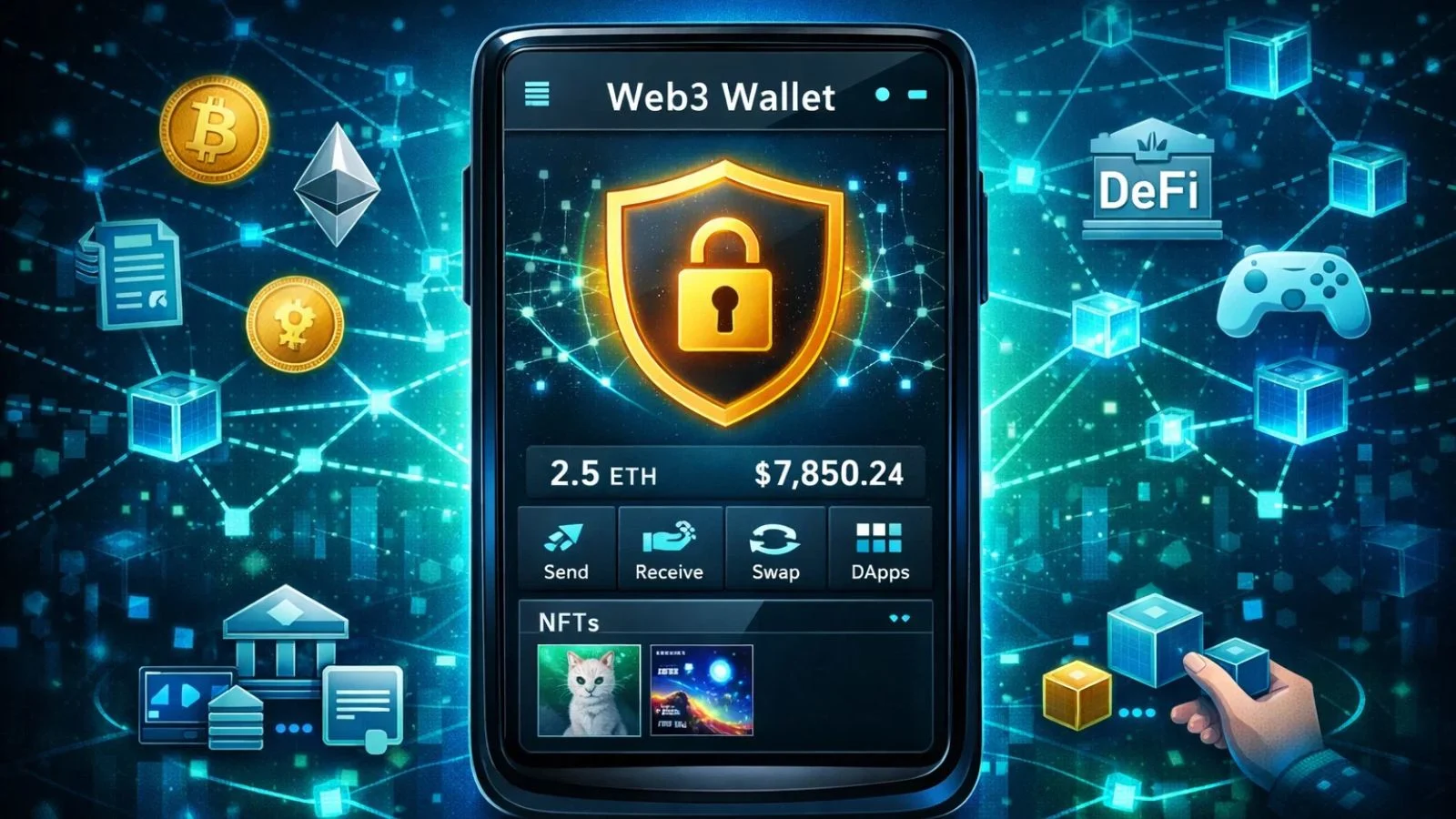
Before diving into comparisons, it’s crucial to understand what a web3 wallet is and how it differs from conventional digital wallets. These specialized tools are software programs or hardware devices that store your private keys, the cryptographic passwords that prove ownership of your blockchain assets.
Unlike centralized exchanges that hold your funds, these wallets enable you to maintain full custody and control. Web3 wallets interact directly with blockchain networks, allowing you to send and receive cryptocurrencies, sign transactions, and connect with decentralized applications. The self-custodial nature means you’re solely responsible for your security. Choosing a wallet is a crucial decision that affects both convenience and security.
Types of Web3 Wallets:
Top Web3 Wallet Comparison:
1. MetaMask: The Industry Standard:
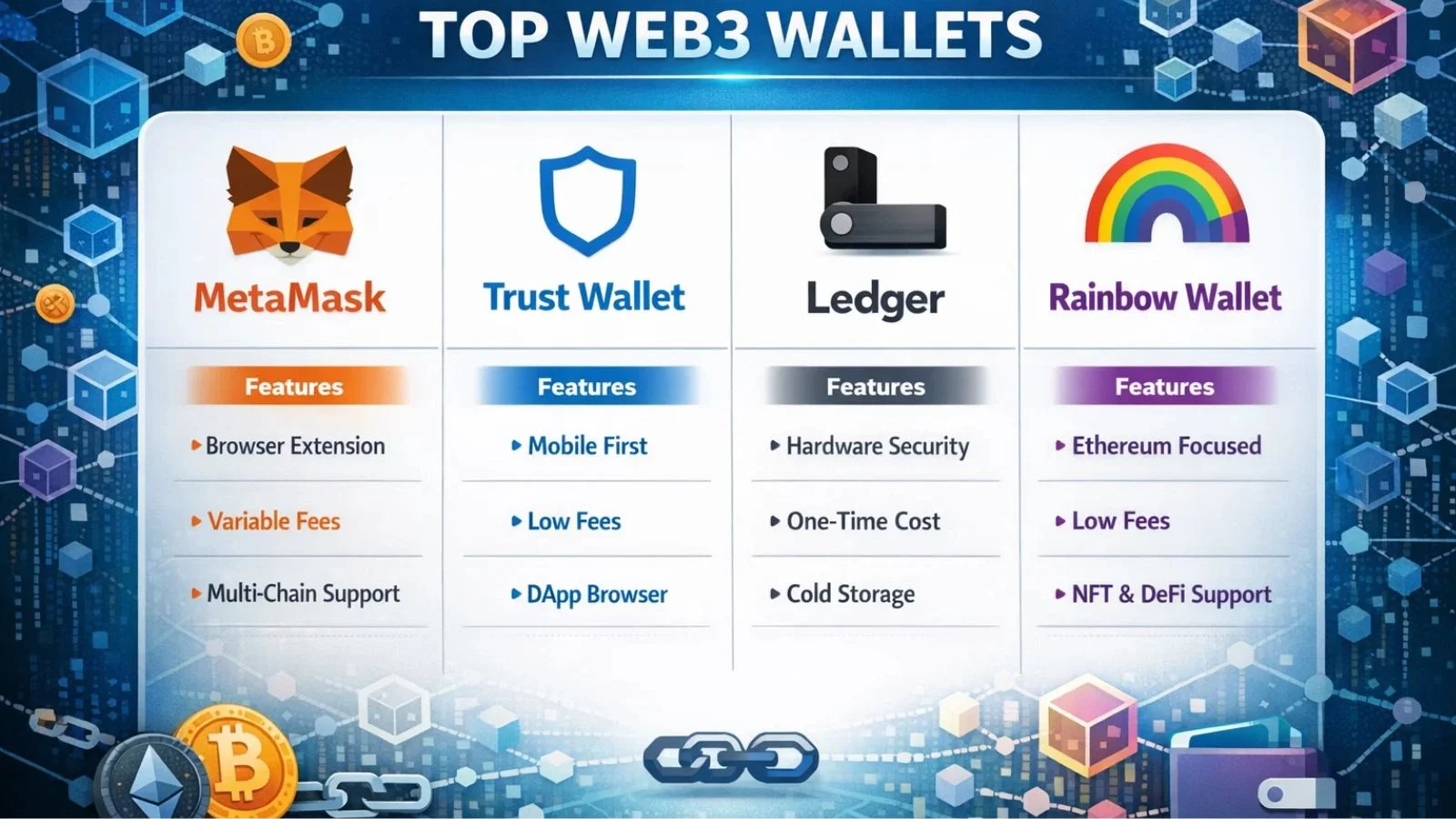
MetaMask dominates as the most widely adopted browser-based solution, supporting Ethereum and numerous EVM-compatible chains. As a web3 wallet extension, it integrates seamlessly with Chrome, Firefox, and other major browsers, while also offering mobile applications for on-the-go access.
- Features: MetaMask provides multi-chain support, extensive DApp compatibility, token swapping, hardware wallet integration, and customizable network additions. This versatility makes it the go-to choice for most DeFi users and NFT collectors.
- Fees: MetaMask itself is free, though it charges a small markup on swap transactions (typically 0.875%). Network gas fees apply to all blockchain transactions, varying by network congestion and blockchain choice.
- Functionality: The interface balances simplicity with advanced features effectively. Beginners can execute basic transactions easily, while power users appreciate custom gas settings and network configuration options that provide granular control.
2. Trust Wallet: Mobile-First Excellence:
Binance’s Trust Wallet prioritizes mobile users, offering support for over 70 blockchains and millions of tokens. Its comprehensive approach makes it particularly appealing for users managing diverse portfolios across multiple networks.
- Features: Built-in DApp browser, staking capabilities for multiple cryptocurrencies, NFT gallery, and extensive multi-coin support distinguish Trust Wallet from competitors. The wallet’s open-source nature adds transparency that security-conscious users appreciate.
- Fees: The wallet is completely free to download a web3 wallet, with competitive swap fees through its integrated exchange feature. Users only pay standard network transaction fees based on blockchain activity.
- Functionality: Trust Wallet excels in user experience, presenting complex blockchain interactions through an intuitive interface. The mobile-optimized design ensures smooth operation even for resource-intensive tasks like NFT browsing.
3. Ledger: Hardware Security Leader:
For users prioritizing security above all else, Ledger hardware wallets represent the premium choice. These physical devices store private keys in secure elements, isolated from internet-connected devices and potential malware threats.
- Features: Support for 5,500+ cryptocurrencies, Ledger Live companion application, firmware security updates, and Bluetooth connectivity on select models make Ledger incredibly versatile despite being a hardware solution.
- Fees: Hardware costs range from $79 to $279, depending on the model. The software remains free, with only standard network fees applying to transactions executed through the device.
- Functionality: While less convenient than software alternatives, Ledger strikes an excellent balance between security and usability. The Ledger Live interface simplifies portfolio management across multiple assets and chains.
4. Rainbow Wallet: Ethereum Simplified:
Rainbow focuses exclusively on Ethereum, delivering a refined experience for ETH, ERC-20 tokens, and NFTs. Its design-forward approach attracts users who value aesthetics alongside functionality in their daily crypto interactions.
Features: Beautiful interface, automatic token detection, ENS name support, and seamless Layer 2 integration for reduced transaction costs make Rainbow stand out. The wallet automatically discovers tokens in your address, eliminating manual addition steps.
Fees: Free to use with no hidden charges. Users benefit from built-in gas estimation to avoid overpaying for transactions, a feature particularly valuable during network congestion.
Functionality: Rainbow prioritizes simplicity without sacrificing power. Advanced features remain accessible but don’t overwhelm newcomers to the ecosystem, making it ideal for Ethereum-focused users.
Also Read:
How Power Browser Enhances Your Web3 Experience?
Managing multiple Web3 wallets across various blockchains can quickly become overwhelming, especially when tracking portfolio performance, analyzing transaction patterns, or making informed trading decisions. What you really need is a single, secure place to manage all your Web3 wallets, without fingerprinting, without data leaks, and without compromising privacy.
This is where Power Browser fits in naturally. Power Browser, developed by Globussoft, is designed to solve this challenge by offering a secure, privacy-first Web3 browsing environment where users can manage multiple wallets and blockchain interactions seamlessly, without fingerprinting, data leaks, or loss of control.
Built as a secure, Web3-focused browser, it provides a trusted space to manage and interact with multiple wallets across blockchains, without fingerprinting, without data leaks, and without compromising your privacy. By blocking unwanted ads and trackers, Power Browser also removes distractions that slow you down and diminish the overall browsing experience.
Power Browser offers a secure and decentralized way to explore Web3, combining blockchain-backed privacy, faster performance, and built-in rewards for meaningful engagement. The result is a browsing experience where you stay in control of your data while navigating the Web3 ecosystem with confidence.
With seamless integration across multiple blockchain networks, Power Browser allows you to manage your crypto assets efficiently and securely, without giving up control.
Making Your Choice: Key Considerations:
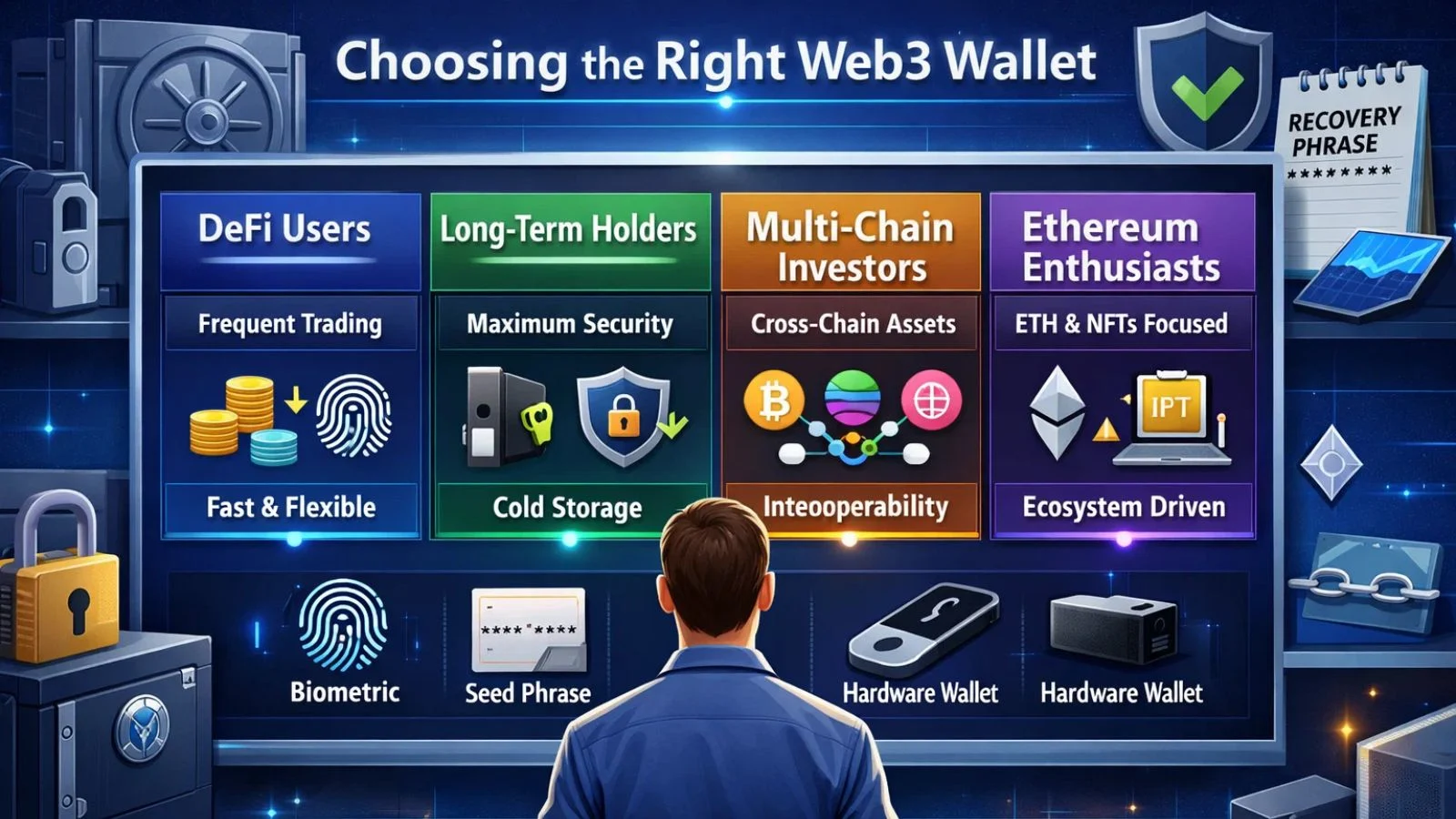
Selecting the right web3 wallet depends on your specific needs and usage patterns. Daily DeFi users benefit most from convenient browser extensions with robust DApp support. Long-term holders should prioritize hardware solutions despite reduced convenience for enhanced security.
Consider your technical comfort level honestly. Some platforms cater to beginners with simplified interfaces, while others assume blockchain familiarity. Your portfolio composition also matters; multi-chain investors need wallets supporting various networks, while Ethereum maximalists might prefer specialized solutions like Rainbow.
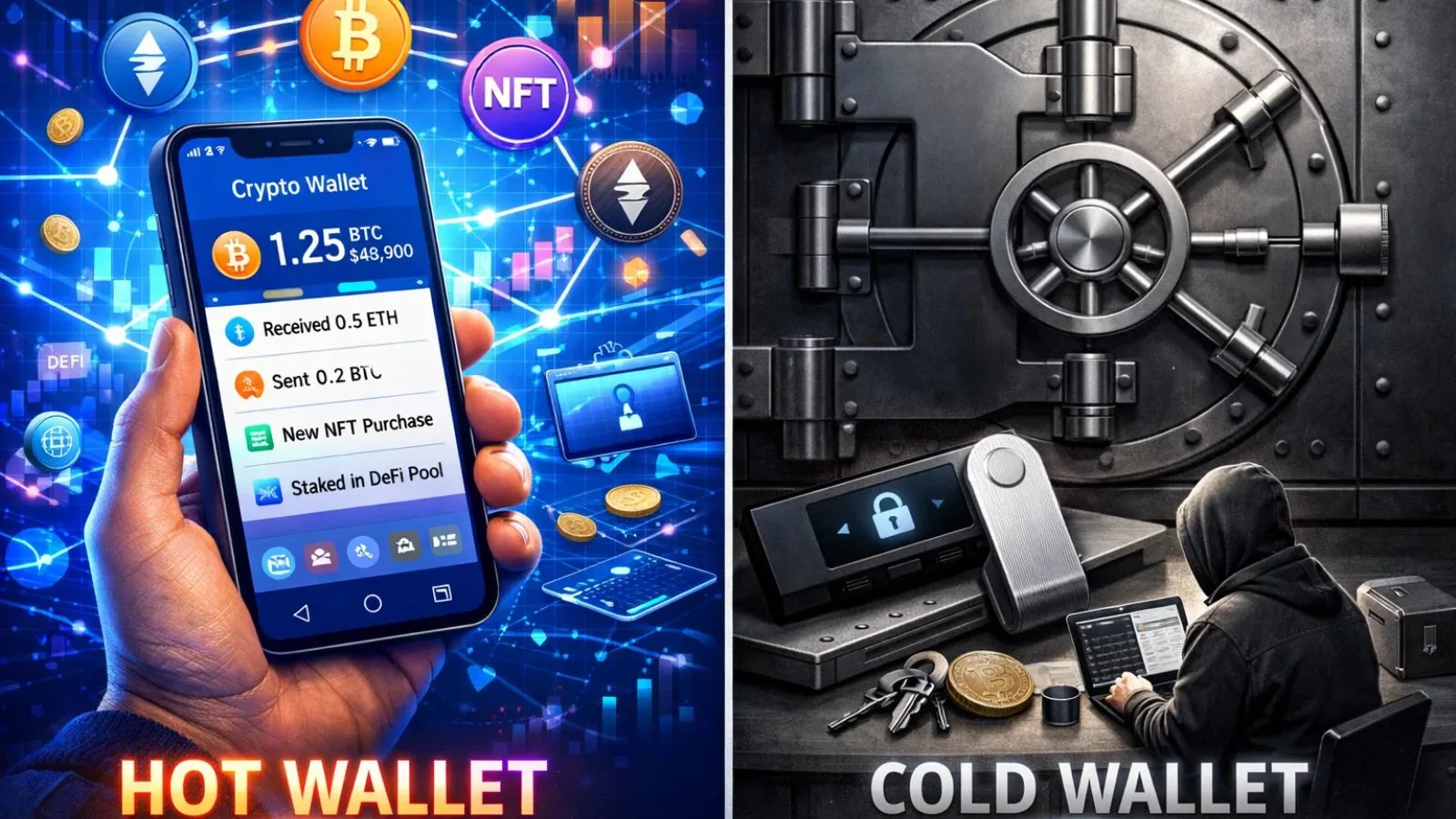
Transaction frequency influences your ideal choice significantly. Frequent traders tolerate hot wallet risks for convenience, while infrequent users can afford the extra steps required by cold storage. Budget considerations matter too, especially if hardware security appeals to you.
Security Best Practices:
Regardless of which option you choose, certain security practices remain universal. Never share your recovery phrase with anyone, ever. Legitimate services will never ask for this information. Store your seed phrase offline, preferably in multiple secure physical locations.
Enable all available security features, including biometric authentication and transaction signing confirmations. Be cautious with DApp connections, review permissions carefully,y and regularly audit connected applications. Consider using separate web3 wallets for different purposes, one for daily transactions and another for long-term holdings.
Conclusion:
Choosing the right web3 wallet represents a crucial decision in your cryptocurrency journey. Each option discussed offers distinct advantages, whether prioritizing security, convenience, or specific blockchain ecosystems.
MetaMask dominates for broad compatibility, Ledger leads in security, Trust Wallet excels on mobile, while Rainbow serves Ethereum users effectively. The best approach often involves using multiple wallets for different purposes, a hardware wallet for significant holdings, and a browser extension for daily DApp interactions.
FAQ’s:
Q1: What’s the safest web3 wallet for beginners?
Ans: Hardware wallets like Ledger offer maximum security but require investment. For free options, MetaMask or Trust Wallet provide excellent security with user-friendly interfaces suitable for newcomers.
Q2: Can I use the same wallet across multiple blockchains?
Ans: Yes, many web3 wallets support multiple chains. MetaMask and Trust Wallet enable multi-chain asset management from a single interface.
Q3: Do web3 wallets charge monthly fees?
Ans: Most wallets are completely free to use. You only pay blockchain network fees for transactions. Hardware wallets require upfront purchase costs but no ongoing subscriptions.
Quick Search Our Blogs
Type in keywords and get instant access to related blog posts.


 +91 8767115115