 India
India  UK
UK USA
USA 
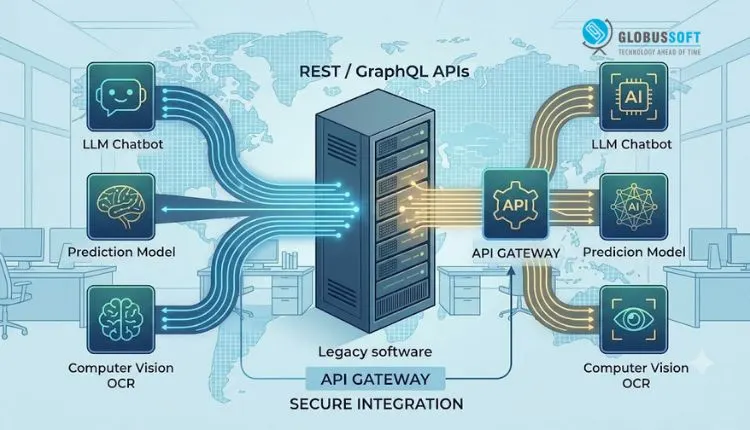
If you’re running a business on software that’s five, ten, or even fifteen years old, you’ve probably had this thought: “To add AI, I’ll need to rebuild everything from scratch.”
It’s a natural assumption that AI feels new, legacy systems feel old, and the two seem incompatible. But that assumption is costing companies millions in unnecessary rebuilds every year. The truth is, most legacy systems don’t need to be replaced to become AI-capable. They need AI integration, not to be rewritten for it.
Legacy software usually holds something far more valuable than its outdated interface suggests: years of clean business logic, historical data, and workflows your teams already trust. AI doesn’t require you to throw that away. In most cases, AI can be layered on top of or plugged into your existing system through APIs, middleware, and targeted integrations, bringing intelligence to a platform that already works without touching its core.
Why a Full Rebuild Isn’t the Right Move
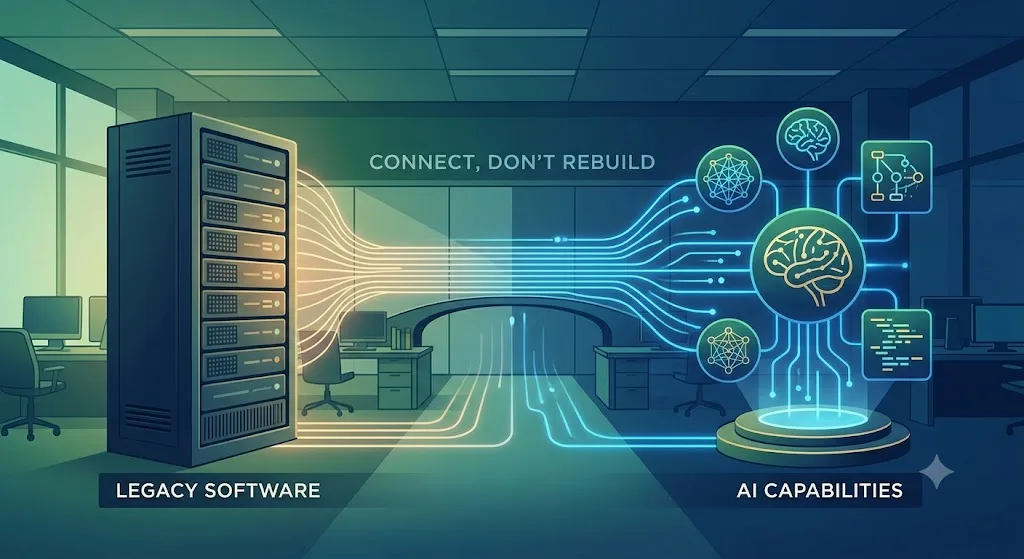
The instinct to rebuild usually comes from a good place — a desire to “do it right this time.” But a full rebuild introduces problems that are often far bigger than the ones you started with.
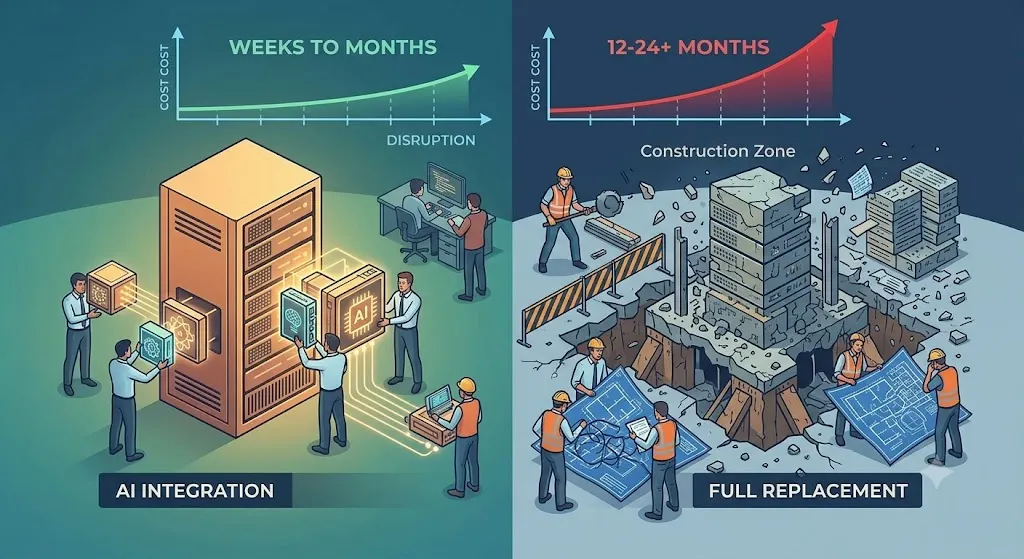
Rebuilding legacy software isn’t just about writing new code. It means rearchitecting the entire system — redesigning data models, rebuilding integrations with every connected tool, retraining every employee who uses the software, and retesting every business process that depends on it. Systems that took years to stabilize get put back into a fragile, unproven state, often for 12–24 months at a time.
During that window, the business doesn’t stand still. New feature requests pile up, compliance requirements shift, and competitors keep moving. Meanwhile, the rebuild budget tends to grow well beyond the original estimate because legacy systems almost always have undocumented dependencies that only surface mid-project.
The irony is that most of this pain has nothing to do with adding AI. It’s the cost of rebuilding, not the cost of intelligence. AI capabilities, predictions, recommendations, automation, and natural language interfaces can typically be added through integration layers that sit alongside your existing code, not inside a rewritten one.
AI Integration vs. Full Replacement
| Factor | AI Integration | Full Replacement |
|---|---|---|
| Time to value | Weeks to a few months | 12–24+ months |
| Upfront cost | Low to moderate | High, often with budget overruns |
| Business disruption | Minimal — system stays live throughout | Significant — parallel runs, migrations, downtime risk |
| Risk level | Contained — issues isolated to the AI layer | High — entire system logic is exposed to new bugs |
| Use of existing data/logic | Reused as-is | Often re-mapped or lost in migration |
| Team retraining needed | Little to none | Extensive — new interface, new workflows |
| Scalability of AI features | Can expand incrementally, module by module | Fixed to whatever is built in the initial rebuild |
| Best suited for | Systems with sound core logic that need modern capabilities | Systems that are genuinely broken, insecure, or unsupportable |
For the majority of legacy systems still running core operations reliably, the left column is the far more sensible path.
How AI Integration Makes Legacy Systems Perform Better
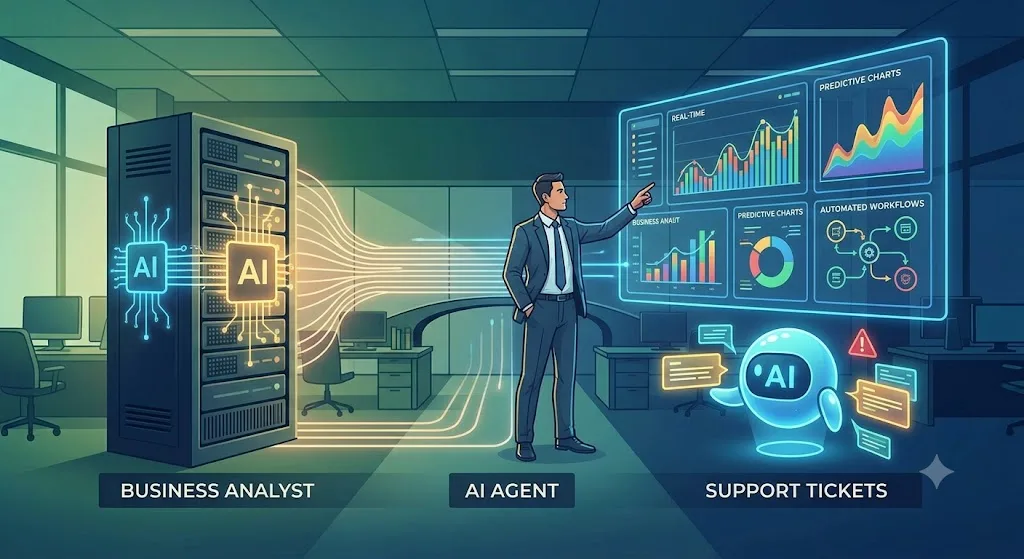
Once AI is introduced through the right integration points, legacy software doesn’t just gain a new feature; it starts operating differently.
Manual, repetitive tasks that used to depend on an employee’s judgment, sorting support tickets, flagging suspicious transactions, and matching inventory to demand, can be automated with AI models trained on the very data your legacy system has been collecting for years. That historical data, which often sits underused in an old database, becomes an asset rather than dead weight.
AI also improves the accuracy and speed of decisions your system already supports. Instead of static reports that a manager has to interpret, the same legacy dashboard can surface predictive insights: which customers are likely to churn, which invoices are likely to go unpaid, and which machines are due for maintenance before they fail. None of this requires touching the underlying application; it requires connecting the right AI service to the right data points.
The result is a system that feels modern to its users, without the business having to abandon the tool it has depended on for years.
Using APIs to Connect AI With Your Existing System
APIs are the bridge that makes all of this possible. Rather than modifying legacy code directly, most AI integration happens by:
- Exposing legacy data through an API layer: A thin service layer is built around the legacy database or application, allowing external AI tools to read (and sometimes write) data securely, without altering the legacy codebase itself.
- Connecting to AI models via REST or GraphQL APIs: Whether it’s a large language model, a computer vision service, or a custom-trained prediction model, these are typically consumed as API calls: send data in, get intelligent output back.
- Using middleware or an integration platform: Tools like message queues, ETL pipelines, or iPaaS platforms sit between the legacy system and the AI service, handling data formatting, security, and error handling so neither side needs to know the internal details of the other.
- Adding AI at the edges, not the core: A chatbot layered onto a legacy CRM, a recommendation engine feeding an old e-commerce backend, or an OCR service reading documents before they hit a decades-old ERP system are all examples of AI operating around legacy software rather than inside it.
This approach means legacy systems can gain AI capabilities incrementally, one workflow at a time, while remaining fully operational for the business functions they already support.
What Else to Consider
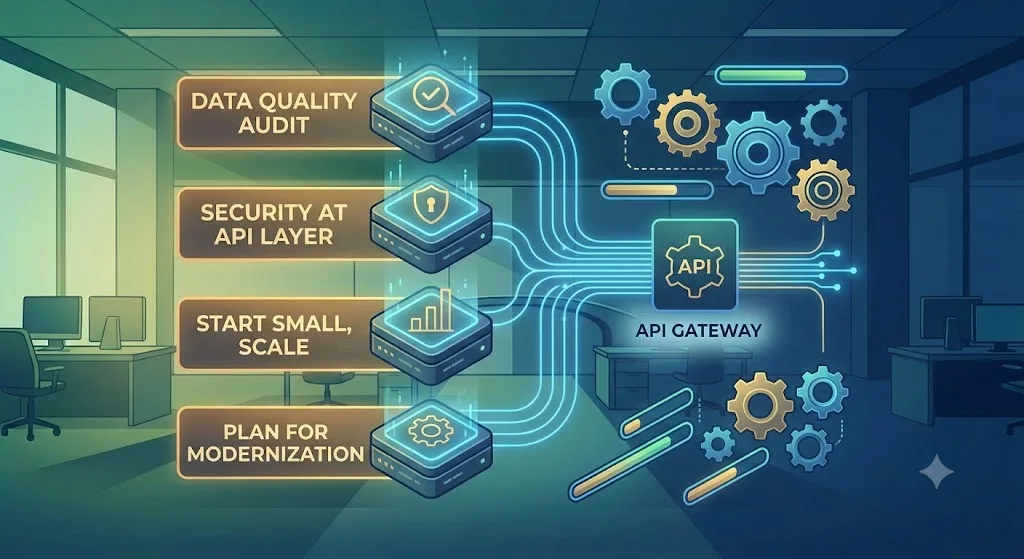
A few things matter beyond the technical integration itself:
- Data quality first. AI is only as good as the data it’s given. Before integrating, it’s worth auditing your legacy data for consistency and completeness, this often matters more than the AI model you choose.
- Security at the API layer. Since APIs become the doorway between old and new systems, authentication, rate-limiting, and data encryption need to be built in from day one.
- Start small, prove value, then scale. The businesses that succeed with AI integration usually pick one high-impact workflow first, not the whole system, and expand from there once results are visible.
- Plan for eventual modernization, even if it’s not now. AI integration buys time and value without forcing a rebuild today, but it’s worth periodically reassessing whether parts of the legacy system will eventually need attention, ideally on your timeline, not because something broke.
How Globussoft Can Help You Integrate AI With Existing System?
Integrating AI into a legacy system isn’t a plug-and-play exercise; it requires understanding both the old system’s quirks and the new AI capabilities well enough to connect them safely. This is exactly where Globussoft’s engineering and AI teams work together.
Through Globussoft’s AI Studio, businesses get a structured path to modernization without disruption:
- Legacy system audits to identify the safest, highest-value integration points — before any code is touched.
- Custom API and middleware development that connects your existing software to modern AI models, whether off-the-shelf or custom-trained.
- AI model selection and implementation tailored to your actual data and business goals, rather than a one-size-fits-all tool.
- Phased rollout support, so AI capabilities are added incrementally and validated at each step, keeping your core operations running throughout.
- Ongoing support and scaling ensure the integration continues to perform as your data and business needs grow.
Instead of a risky, expensive rebuild, Globussoft helps businesses get the intelligence they need — recommendations, automation, predictive insights — layered onto the software they already trust.
Ready to explore what AI integration could look like for your systems? Get in touch with Globussoft to start with a legacy system audit.
Quick Search Our Blogs
Type in keywords and get instant access to related blog posts.

 +91 8767115115