 India
India  UK
UK USA
USA 

Every business eventually runs into the same problem: a product photo, a brand image, or a marketing asset that’s almost right but not quite — wrong background, wrong mood, wrong style for the platform it’s headed to. Traditionally, fixing that meant a new photoshoot or a design request that sat in someone’s queue for days. Image to image AI has changed that math, letting businesses transform an existing image directly instead of starting production over from scratch.
What Image to Image AI Actually Solves
Unlike text-to-image tools that generate a picture from nothing but a written prompt, image to image AI starts with an image you already have and modifies it based on what you need changed — a new background, a different visual style, adjusted lighting, or a specific creative direction — while keeping the core subject and composition intact.
Image to image AI from Pollo AI works exactly this way: upload an existing photo or graphic, describe the transformation, and get a new version that preserves what’s working about the original while applying the change you actually needed. For businesses producing marketing assets regularly, this removes a production step that used to require either a new shoot or a design queue with its own turnaround time.
Where This Fits Into Real Business Workflows
Consider a typical marketing team’s week: a product photo needs a cleaner background for a new ad campaign, a brand image needs restyling for a different platform’s aesthetic, or a set of visuals needs to feel more consistent across a product line that was photographed at different times with different setups. Handled manually, each of these is its own small production task, competing for design bandwidth against everything else on the calendar.
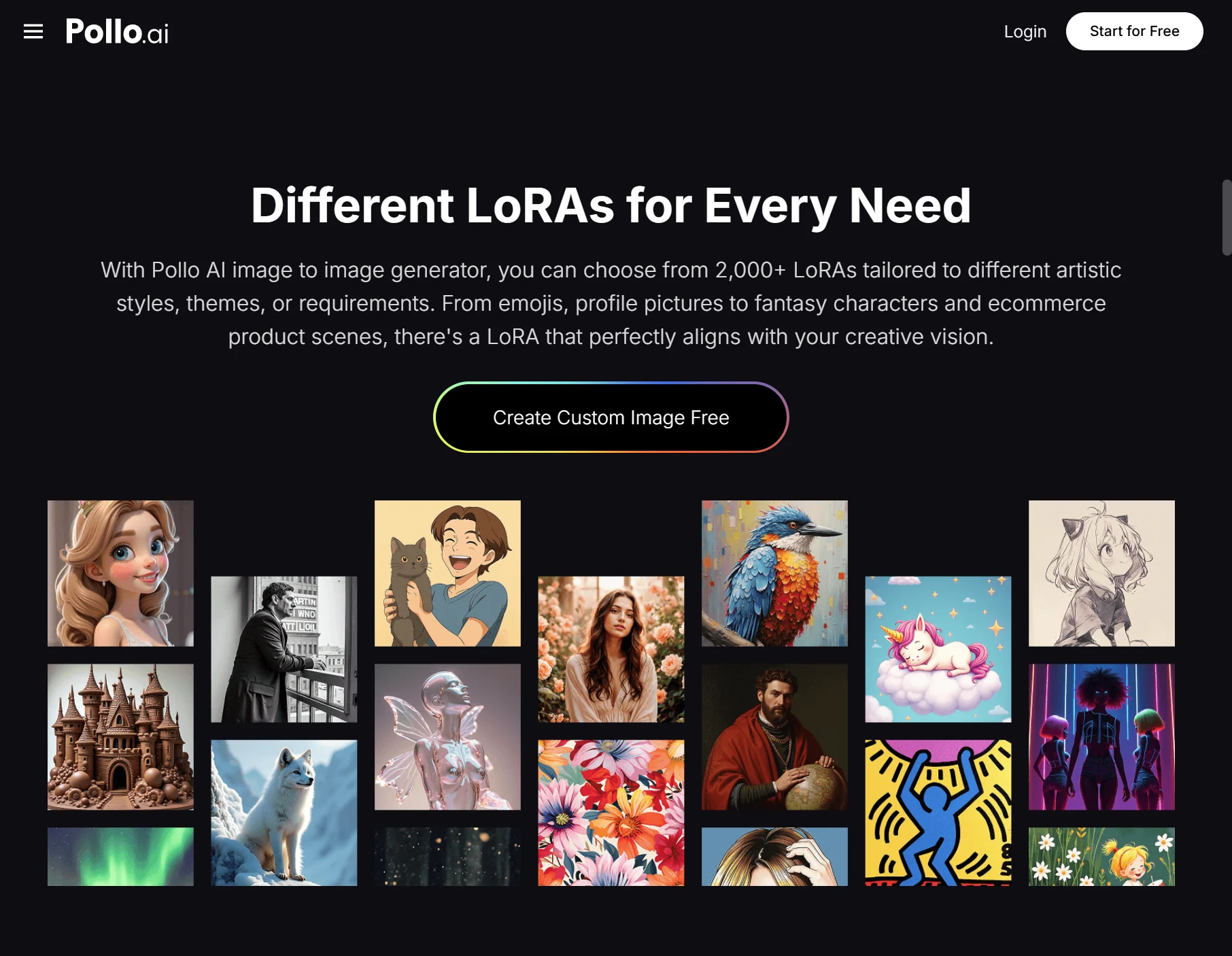
Transforming existing images directly compresses that timeline considerably. Instead of treating every visual inconsistency as a new project, a team can take what already exists and adjust it in minutes — which matters most for businesses running frequent campaigns where waiting days for a design revision quietly slows down an entire launch schedule.
Common Business Applications
Consistent brand visuals across a product catalog. Photos taken at different times, in different settings, or by different people can be brought into visual alignment without reshooting the entire catalog.
Platform-specific creative variations. The same base image can be restyled for different platforms — a clean, professional look for LinkedIn versus a more vibrant style for Instagram — without producing entirely separate creative for each.
Quick creative testing. Marketing teams can generate multiple visual directions from the same source image to test which style resonates before committing budget to a full production run.
Handling Targeted, Smaller Edits
Not every fix requires a full stylistic transformation. Sometimes an image just needs one specific element adjusted — an object removed, a detail corrected, a small inconsistency fixed — without reworking the entire visual. Remaker AI is built specifically for this kind of targeted photo editing, and Pollo AI connects directly into it, letting a business handle both broader image transformations and precise, smaller fixes within the same Pollo AI workflow.
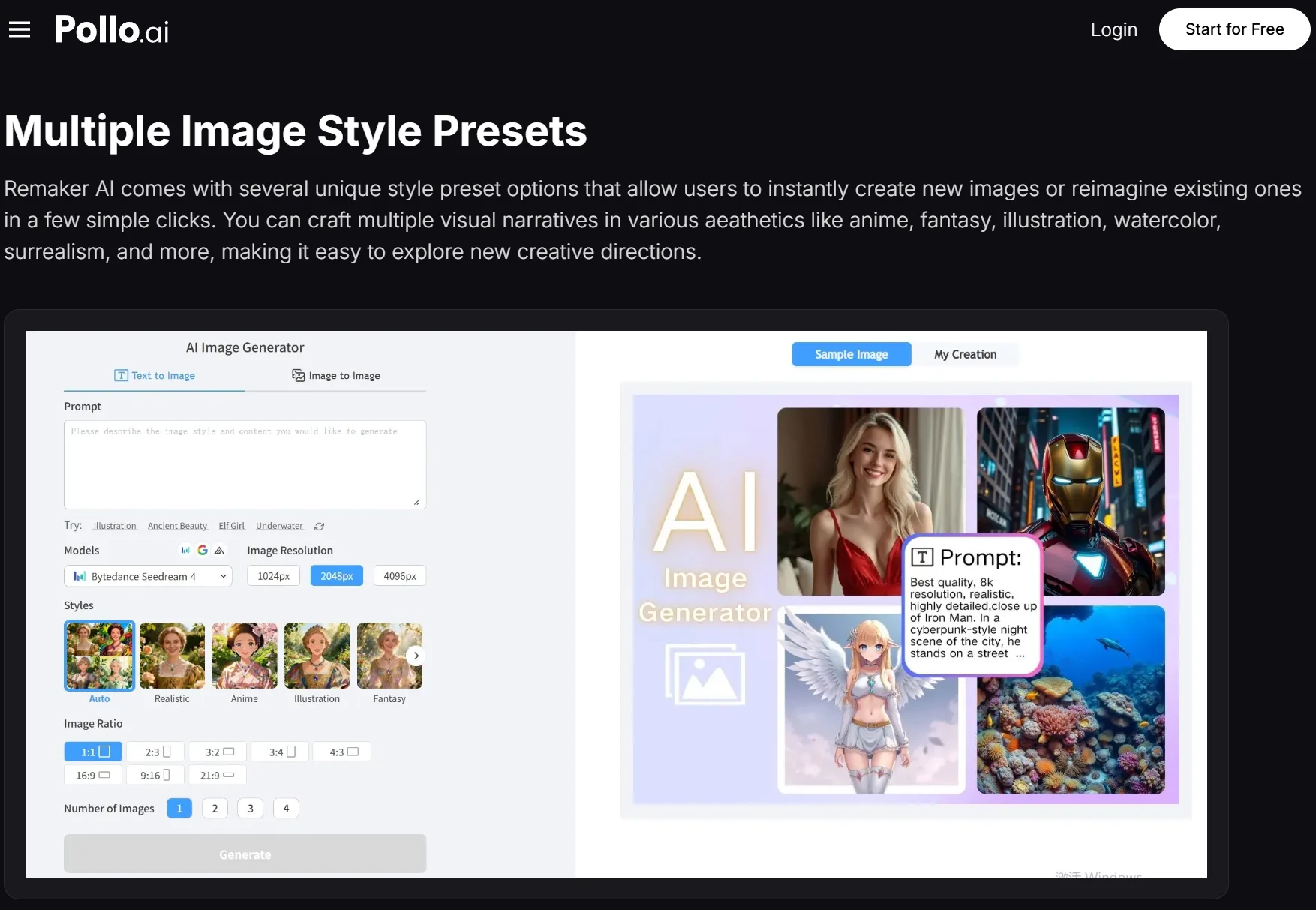
Knowing when to reach for Remaker AI instead of a full image transformation saves real production time. A photo that just needs one distracting object removed doesn’t need to go through a complete style change — it needs a quick, targeted fix, and having both options available in the same platform means a team isn’t over-engineering a simple correction.
Making This Part of a Repeatable Production Process
Businesses that get consistent value from image to image tools tend to build it into their standard content workflow rather than treating it as an occasional fix. That means reviewing existing visual assets periodically for consistency, and treating minor transformations as a routine step before publishing rather than a special request that requires design team involvement every time.
It also changes how marketing and creative teams plan campaigns. Instead of committing to one visual direction because production budget only allows for a single version, teams can test multiple transformed variations of the same base asset and let actual performance data guide which direction gets further investment.
Getting Started
If your business has a backlog of visual assets that are close to right but not quite usable as-is, that’s the natural starting point. Pick one image that needs a background change, a style adjustment, or a platform-specific variation, and run it through a transformation before committing to a new photoshoot or design request.
For most businesses, the value here isn’t replacing creative direction or professional photography entirely — it’s removing the production bottleneck that used to make every small visual adjustment feel disproportionately expensive relative to how minor the actual change was. Pollo AI makes that adjustment a five-minute task instead of a multi-day production request.
Quick Search Our Blogs
Type in keywords and get instant access to related blog posts.

 +91 8767115115