 India
India  UK
UK USA
USA 
AI voice overs are changing the way content is created, making it faster, easier, and more professional. Whether you’re producing videos, podcasts, e-learning courses, or marketing materials, having high-quality narration is crucial. Traditionally, hiring voice actors or recording audio could be time-consuming and expensive—but AI voice technology has simplified this process.
With AI voice, you can turn any text into natural-sounding audio in minutes. These tools allow creators to maintain consistent quality, experiment with different voices, and produce content at scale. From marketers to educators, more people are discovering how AI voice can bring content to life without the hassle of traditional recording setups.
In this guide, we’ll explore how voice-overs work, their benefits, practical use cases, and tips to make your AI-generated audio sound natural and engaging.
You can listen to this blog here.
What Is an AI Voice Over and How Does It Work?
An AI voice over is a digital narration created by artificial intelligence that converts written text into spoken audio. Unlike traditional recordings, AI voice overs don’t require a human voice actor. Instead, advanced algorithms analyze text, interpret punctuation, and generate speech that sounds natural and professional.
The technology behind AI voice overs relies on text-to-speech (TTS) systems. Modern AI uses deep learning models trained on thousands of hours of human speech to mimic tone, pitch, and inflection. This allows the generated voice to sound surprisingly realistic, with the ability to emphasize certain words, adjust speed, and even convey emotion.
AI voice generators work by taking your text input, selecting a voice profile, and producing audio in seconds. Some tools let you tweak the voice, choose accents, or add pauses for a more natural flow. This flexibility makes AI voice overs ideal for a wide range of content—from videos and podcasts to audiobooks and e-learning courses.
Benefits of Using AI Voice Overs
AI voice overs offer several advantages that make them an appealing choice for creators who create content and businesses alike.
1. Time and Cost Efficiency
Recording traditional voice overs can take hours and often requires hiring professional voice actors. AI voice overs produce high-quality audio in minutes, saving both time and money.
2. Consistent, Professional Quality
AI-generated voices maintain consistent tone and clarity throughout the project. You won’t need multiple takes to get the perfect delivery.
3. Scalability
Whether you’re creating one video or hundreds of e-learning lessons, AI voice overs allow you to scale your content without additional effort or cost.
4. Variety of Voices and Accents
Modern AI voice generators offer multiple voice options, languages, and accents, making it easy to match the voice to your audience and content type.
5. Quick Iterations
Need to update scripts or fix errors? AI voice-overs let you regenerate the audio instantly, unlike re-recording with a human voice.
With these benefits, AI voice-overs not only speed up production but also enhance the overall quality and flexibility of your content.
How to Make AI Voiceover: A Step-by-Step Guide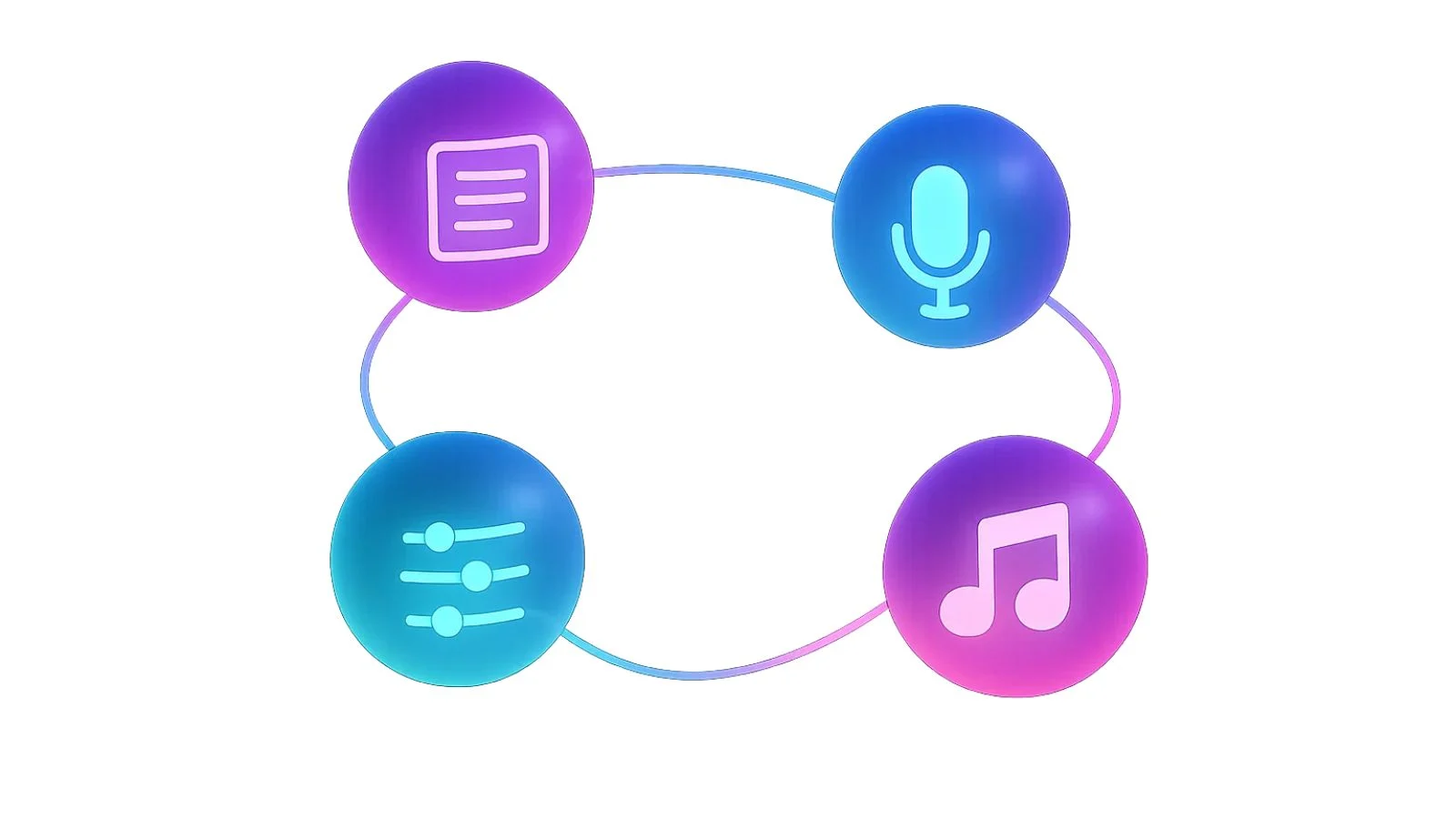
Creating an AI voice-over is easier than most people think. With the right approach, you can produce professional-quality narration in just a few steps. Here’s how to get started:
1. Choose an AI Voice Generator
Select a tool that suits your needs. Look for features like natural-sounding voices, multiple languages, and easy customization.
- Prepare Your Script
Write clear, concise text. Proper punctuation helps the AI interpret pauses, emphasis, and tone. Short sentences often sound more natural.
3. Select a Voice
Pick a voice that fits your content. Consider tone, gender, accent, and style. Some AI tools allow subtle adjustments to make the voice more engaging.
4. Adjust Speed and Tone
Modify the pacing and intonation for clarity and expressiveness. A slightly slower pace often sounds more natural, especially for tutorials or narrations.
5. Add Background Music or Effects (Optional)
Enhance the audio with soft background music or sound effects. Make sure it complements the voice without overpowering it.
6. Generate and Review
Once you’re satisfied with your settings, generate the AI voice over. Listen carefully and make adjustments as needed for pronunciation or flow.
By following these steps, you can easily create high-quality AI voice overs that bring your content to life.
Use Cases for AI Voice Overs
AI voice overs are versatile and can enhance many types of content. Here are some of the most popular applications:
1. Video Narration and Explainers
From YouTube tutorials to promotional videos, AI-generated audio adds professional narration without the need for a human voice actor.
2. Podcasts and Audiobooks
Creators can produce episodes or chapters quickly, maintaining consistent voice quality across multiple recordings.
3. E-Learning and Online Courses
AI voice overs make online lessons more engaging, helping learners absorb information without relying solely on text.
4. Marketing Campaigns and Ads
Brands can create high-quality audio for social media ads, email campaigns, or product demos at a fraction of traditional costs.
5. Customer Service and IVR Systems
Interactive voice response (IVR) systems and automated messages benefit from clear, consistent, and friendly AI voices.
With such a wide range of applications, AI voice overs help creators, educators, and businesses save time while delivering professional, engaging audio content.
Tips for Creating Natural-Sounding AI Voice Overs
To make AI-generated audio sound more human and engaging, follow these simple tips:
1. Choose the Right Voice
Select a voice that matches your content and audience. Tone, gender, and accent all impact how listeners perceive your message.
2. Mind Pauses and Punctuation
Proper punctuation helps the AI understand where to pause and emphasise, making the speech flow naturally.
3. Adjust Speed and Tone
Experiment with pacing and intonation. A slightly slower pace often sounds more conversational, especially for tutorials or storytelling.
4. Test Multiple Versions
Generate a few versions of your script and compare. Small adjustments can significantly improve clarity and engagement.
5. Keep It Simple
Avoid overly complex sentences or jargon. Clear, concise text ensures the AI produces natural, easy-to-understand speech.
By applying these tips, your AI voice overs will feel more professional, relatable, and enjoyable for your audience.
How AI Platforms Support High-Quality Voice-Overs?
Modern AI platforms make it easier for creators to produce polished, natural-sounding audio without complex setups. Many tools now offer a wide range of voices, languages, and customization options that help bring scripts to life.
There are such platforms that focus on giving users flexible controls—such as adjusting tone, pacing, and clarity—so the final output matches the style of the content. These features are especially useful for creators working on videos, training modules, podcasts, and marketing projects, where consistent audio quality matters.
At Globussoft, we work across multiple marketing and software domains, focusing on practical solutions that support different business needs. AI voice-over is one such area where our ongoing work has delivered reliable outcomes for clients. In addition, we continue to explore and develop capabilities in AI-based video production, image creation, intelligent video management systems, and video editing—bringing these technologies together to create a more connected and evolving digital experience.
By using these AI-driven capabilities, content teams can speed up production, maintain accuracy, and create professional voice-overs at scale, all while keeping the workflow simple and efficient.
Common Mistakes to Avoid
Even with advanced AI tools, it’s easy to make errors that reduce the quality of your voice overs. Here are some common mistakes to watch out for:
1. Robotic or Monotone Delivery
Using default settings without adjustments can result in unnatural, flat audio. Always tweak tone and speed.
2. Ignoring Pronunciation and Accents
AI may mispronounce uncommon words or names. Review your script and adjust pronunciation if needed.
3. Overusing AI Without Human Editing
While AI saves time, adding a human review ensures the narration flows naturally and matches your brand’s voice.
4. Poor Script Formatting
Long, complex sentences or missing punctuation can confuse the AI, leading to awkward pauses or emphasis.
Avoiding these pitfalls helps ensure your AI-generated audio remains professional, engaging, and easy to listen to.
Also Read,
Conclusion
AI voice overs are transforming content creation by making professional narration accessible, fast, and scalable. They allow creators to produce high-quality audio for videos, podcasts, e-learning, and marketing campaigns without the costs and logistics of traditional recording.
By choosing the right AI voice, refining scripts, and following best practices, you can create natural-sounding audio that engages your audience and elevates your content. Tools like Globusoft make it easy to generate AI voice-overs quickly, helping you save time while maintaining a polished, professional sound.
Embracing AI voice technology lets you bring your content to life, reach a wider audience, and focus more on creativity than on technical hurdles. Whether you’re a content creator, educator, or marketer, AI voice-overs are a valuable addition to your toolkit.
1. How accurate are AI voice-overs?
Modern AI produces highly realistic speech with proper pacing, tone, and pronunciation, though some uncommon words may need manual adjustment.
2. Can AI voice-overs replace human narrators?
AI can handle most standard narration tasks efficiently, but human review and editing are still recommended for nuance and emotion.
3. Which tool is best for AI voice-overs?
Tools like Globusoft are popular due to their ease of use, variety of voices, and high-quality output.
Quick Search Our Blogs
Type in keywords and get instant access to related blog posts.


 +91 8767115115