 India
India  UK
UK USA
USA 

Clear communication is essential for modern teams to work and stay connected. As businesses and work become more dependent on emails and scattered tools, it usually leads to delays, confusion, and missed updates. Teams need better ways to communicate, collaborate, and keep work moving forward, and team collaboration tools have become a core part of daily operations. These tools allow your teams communicate in real time, manage tasks, share files, and stay connected regardless of location.
When used correctly, collaboration tools increase productivity by reducing communication gaps, and teams work. Choosing the right collaboration software can make a measurable difference in how well teams communicate and achieve their goals.
In a hurry? Listen to the blog instead!
What Are Team Collaboration Tools?
Team collaboration tools are digital platforms that work more efficiently by consolidating communication, project management, and file sharing. These tools allow teams to collaborate from different locations.
Instead of relying on long email threads or switching between multiple apps, collaboration tools bring conversations and documents into a shared workspace. makes it easier to stay organized and access information when required.
Common examples of team collaboration tools include EmpMonitor for team management, Zoom for virtual meetings, Trello for task tracking, Microsoft Teams for chat and meetings, and Google Workspace for document collaboration and e-mail.
While task management tools are used for assigning and tracking work, collaboration software solutions provide communication, file sharing, documentation, and workflow management in a single system. When used effectively, team collaboration tools improve productivity, communication, and teamwork across organizations.
Best Team Collaboration Apps For 2026
Choosing the right team collaboration tools depends on how your team communicates and shares information. Below are the most effective categories of collaboration tools, along with popular platforms used by teams in 2026.
Instant Messaging Platforms
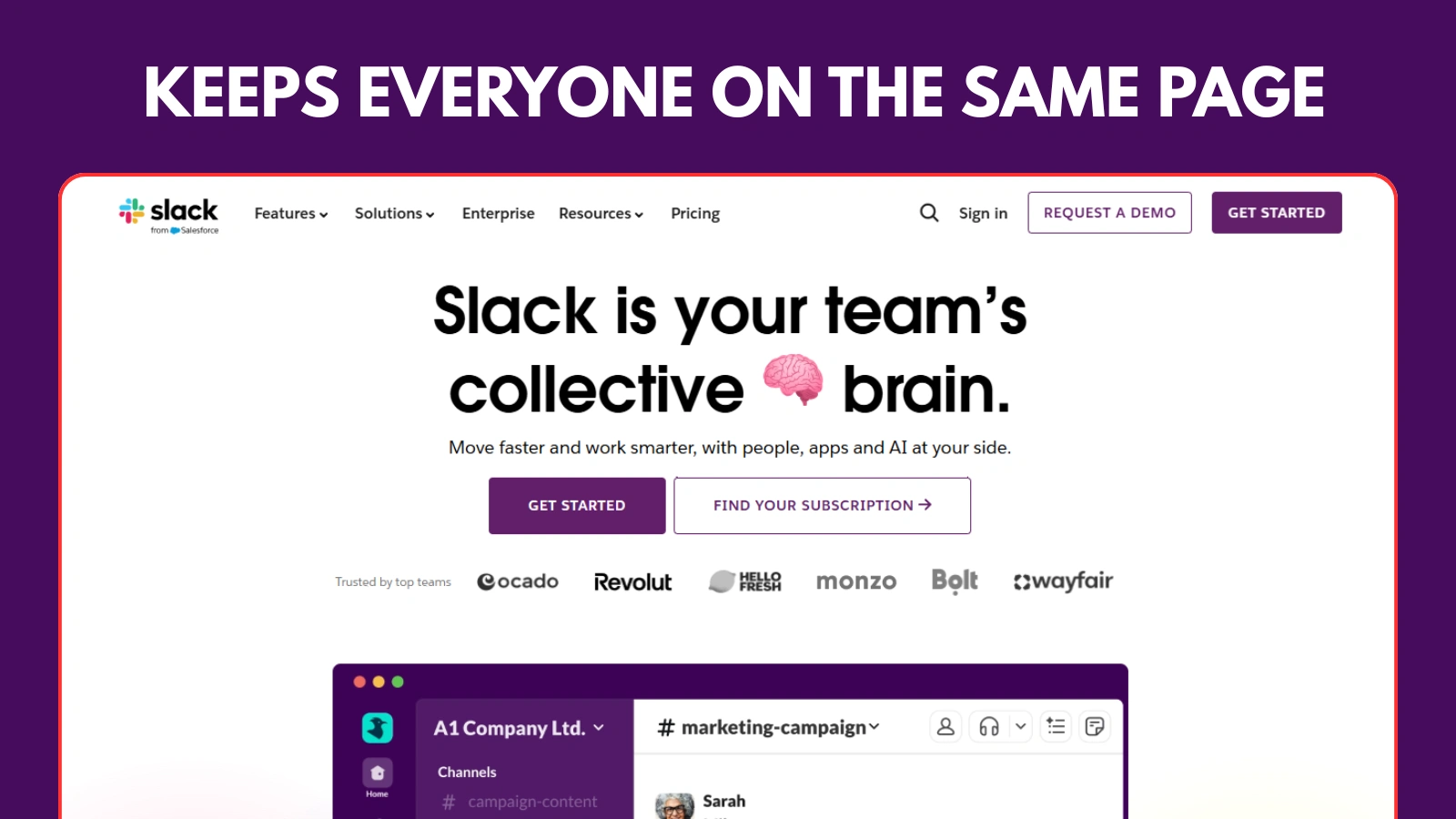
Instant messaging platforms are essential team collaboration tools for quick and organized communication. team to share updates, ask questions, and collaborate in real time.
Tools such as Slack and Microsoft Teams organize conversations into channels or groups based on projects, teams, or topics. It helps keep the discussions focused and easy to follow.
These collaboration tools also support file sharing, searchable message history, and integration with task management tools and other collaboration software. By centralizing communication, instant messaging platforms reduce delays, improve transparency, and enable teams respond.
Video Conferencing Tools
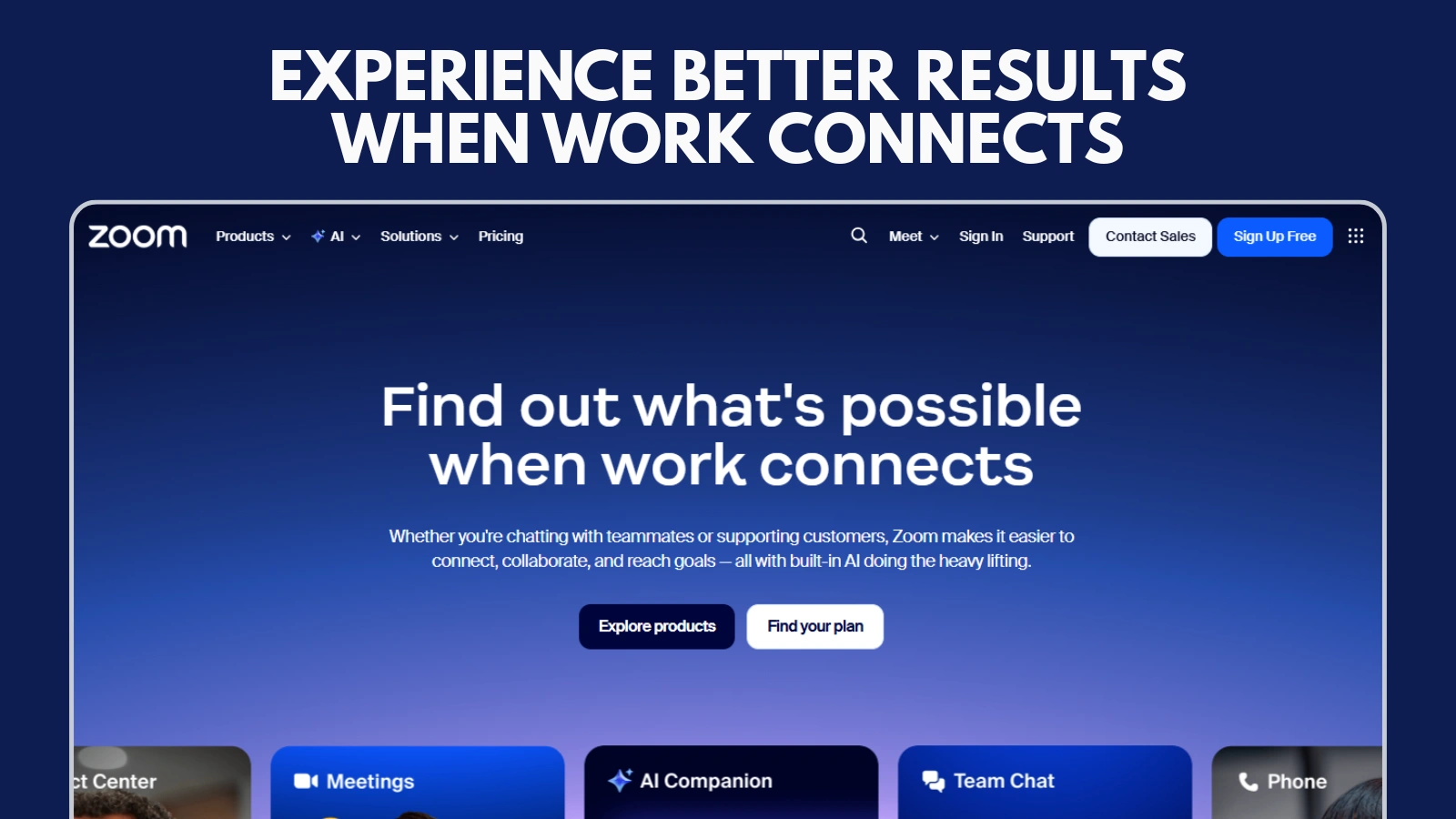
Video conferencing tools are important for team collaboration for teams that work remotely or across different locations. They enable face-to-face communication, which improves clarity, engagement, and collaboration in the learning process.
Platforms such as Zoom and Google Meet are widely used for virtual meetings, team discussions, and client calls. These tools support features such as screen sharing, recording, and real-time chat during the meetings.
Using video analysis conferencing collaboration software, teams can hold productive meetings, share ideas clearly, and maintain strong working relationships even when they are not in the same office.
Project & Task Management Tools
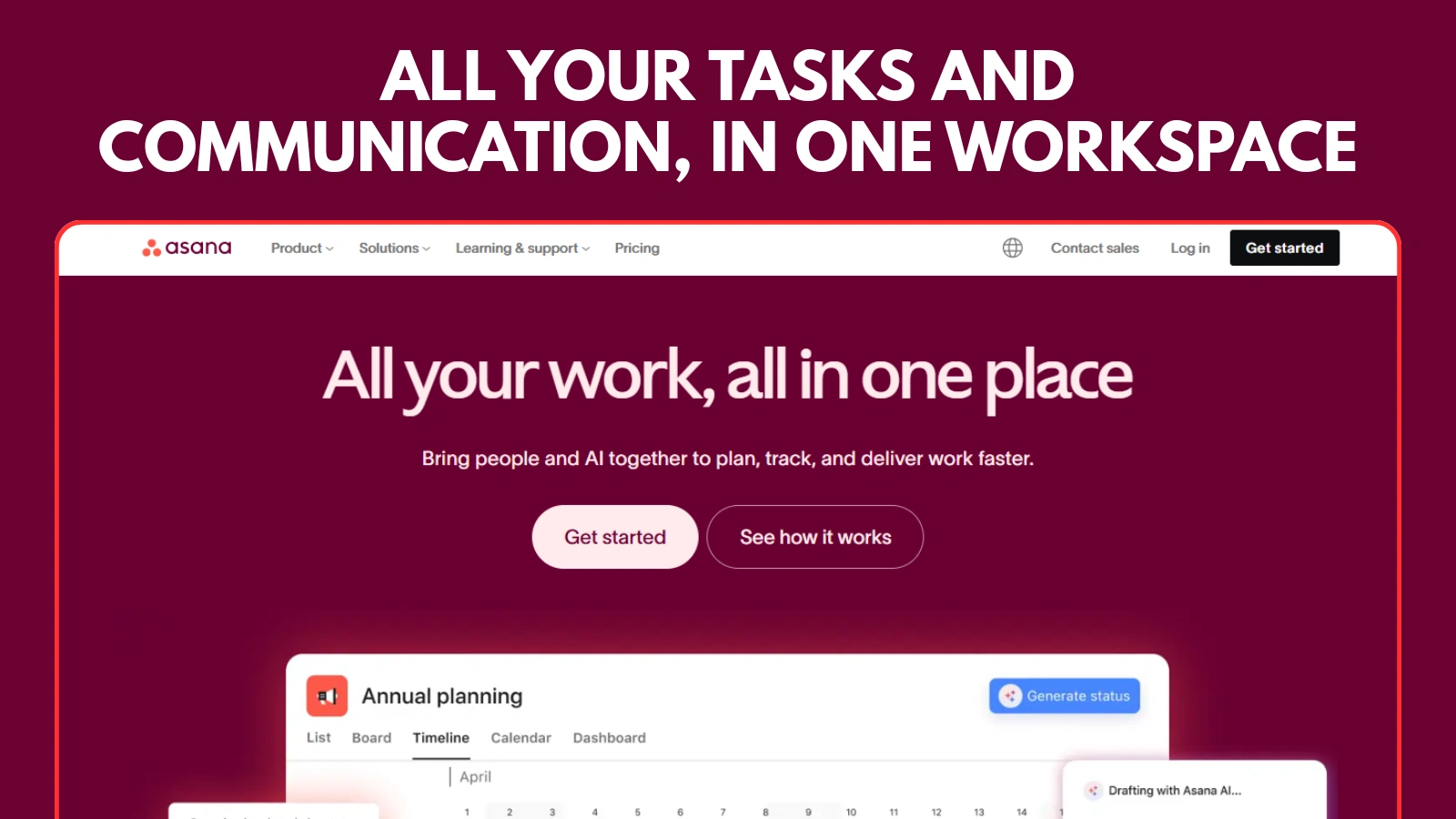
Project management tools help teams plan their work, assign responsibilities, and track progress in a clear and structured manner. These team collaboration tools ensure that everyone knows what needs to be done and when.
Platforms such as Asana, Trello, and Monday allow teams to create tasks, set deadlines, and monitor project statuses in real time. Visual boards and timelines make workflows easier to comprehend.
By using task management tools within collaboration software, teams can reduce confusion, improve accountability, and keep projects moving forward efficiently.
Online Whiteboard Collaboration Tools

Online whiteboard tools support visual collaboration and idea-sharing. These collaboration tools are especially useful for brainstorming, planning, and creative discussions, particularly among remote and hybrid teams.
Platforms such as Miro and Mural allow teams to create diagrams, flowcharts, and mind maps in real time. Multiple users can contribute simultaneously, making collaboration more interactive and engaging.
Using online whiteboards, teams can communicate ideas more clearly, encourage creativity, and improve alignment during workshops, strategy sessions, and project planning.
Integrated Collaboration Suites
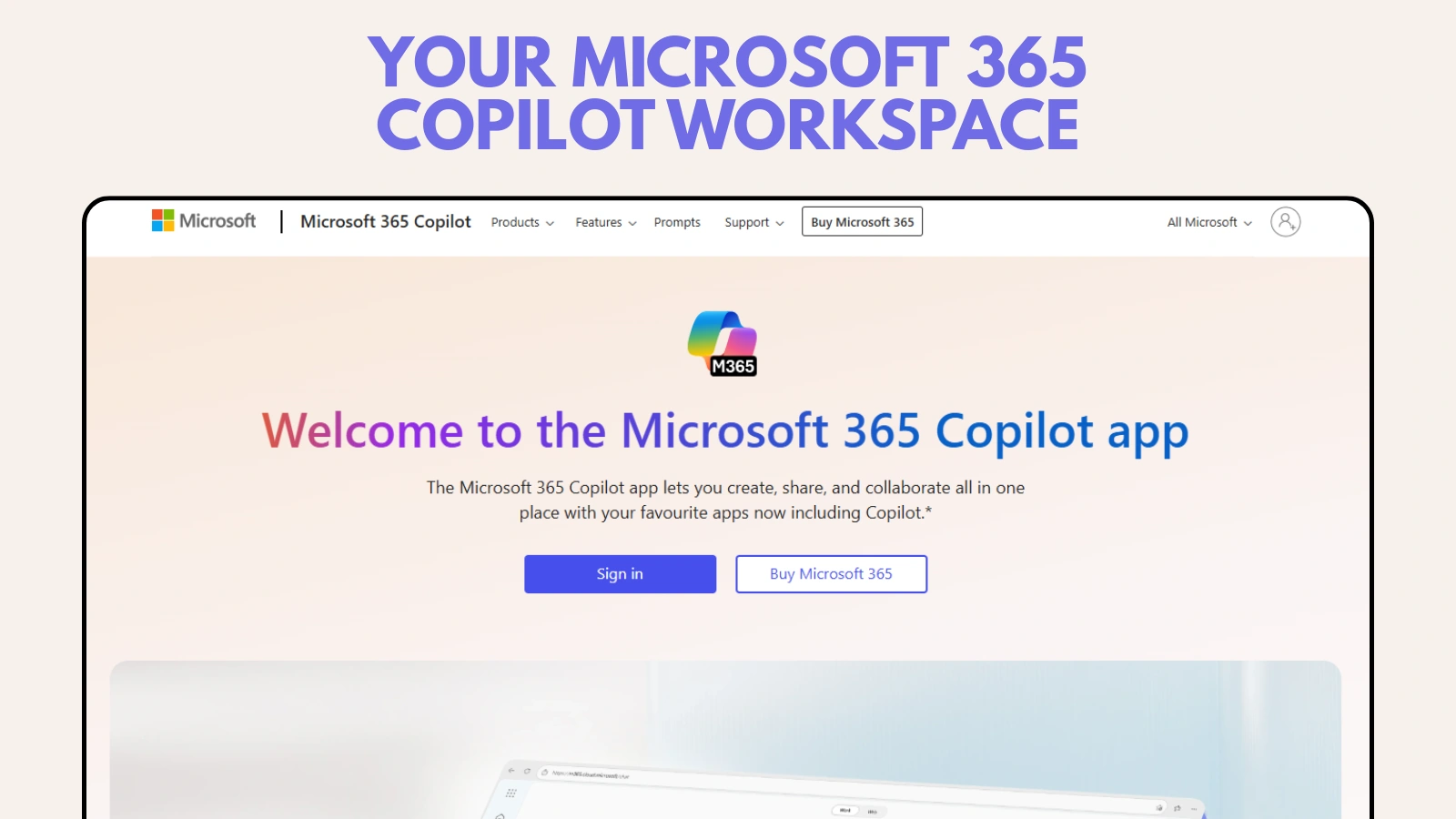
Integrated collaboration suites combine multiple tools into a single platform, making them powerful team collaboration tools for daily work. These suites support communication, document creation, file sharing, and email in a connected environment.
Platforms such as Google Workspace and Microsoft 365 provide tools for creating documents, spreadsheets, presentations, calendars, and team communications. This integration helps teams collaborate without switching between applications.
By using integrated collaboration software, teams can work more efficiently, maintain consistency, and ensure that information is accessible and up-to-date.
Knowledge Management Tools
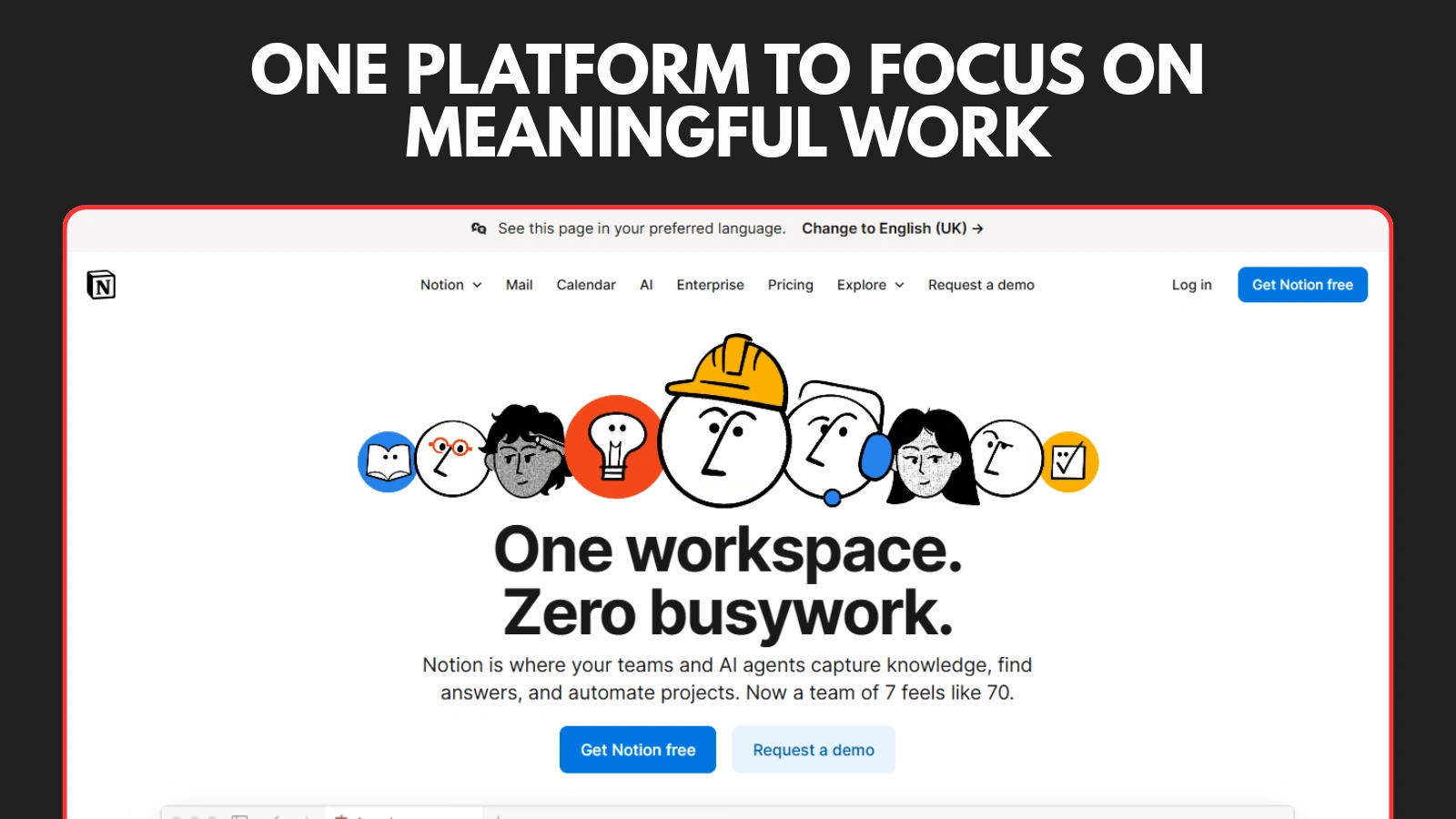
Knowledge management tools help teams store, organize, and share information in a structured manner. These team collaboration tools act as a central source of truth for company knowledge, making it easy for teams to find and reuse the information.
Tools such as Notion and Confluence allow teams to create shared wikis, internal documentation, and onboarding resources. The content can be updated in real time, ensuring that the information remains accurate and accessible.
By using knowledge management collaboration software, teams can reduce repeated questions, improve onboarding, and maintain consistency across processes and communication.
File Sharing & Storage Tools
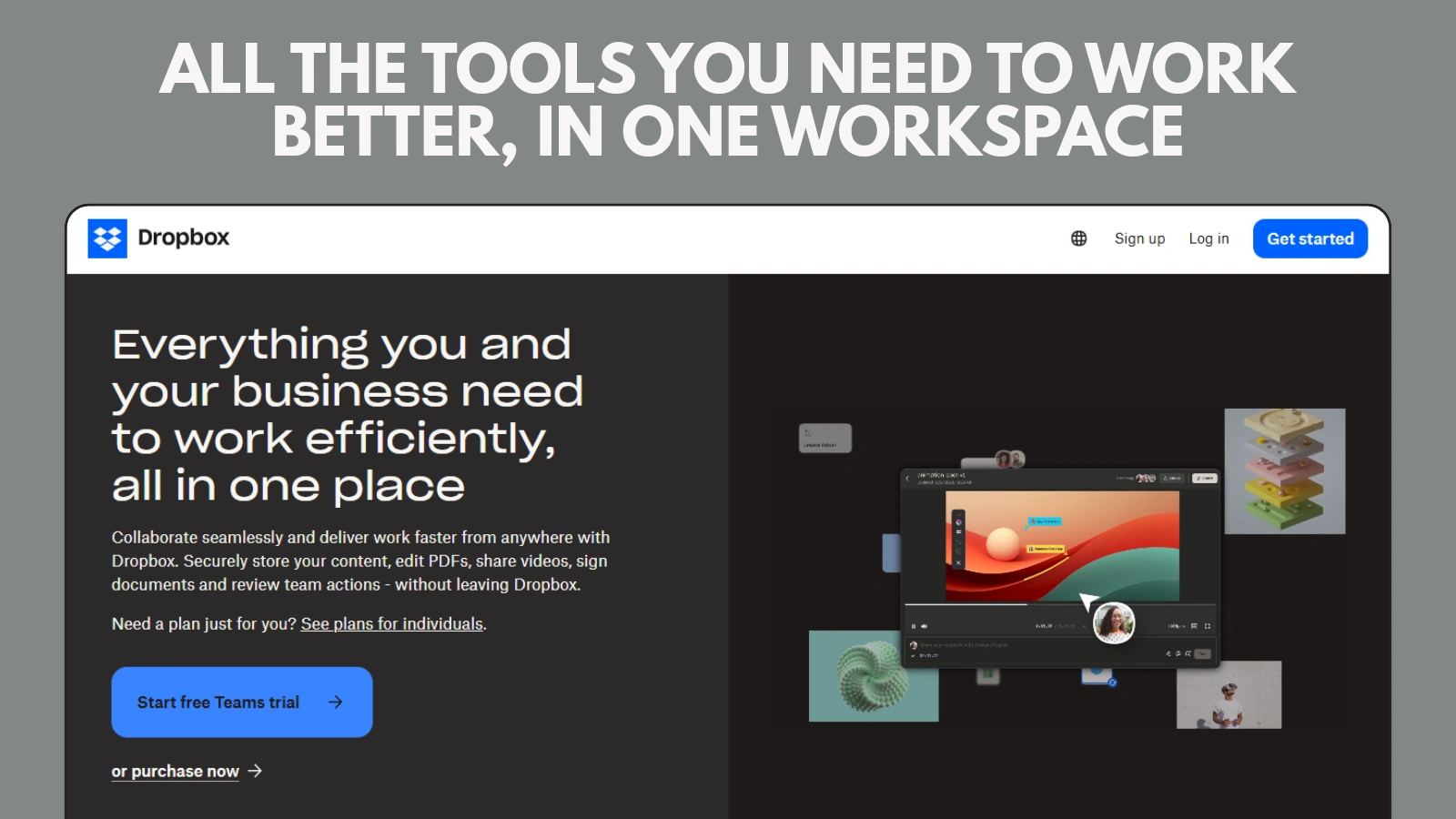
File-sharing and storage tools allow teams to store, access, and collaborate on files securely from anywhere. These collaboration tools ensure that important documents are always available and easily managed.
Platforms such as Google Drive, Dropbox, and Box support file sharing, version control, and permission management. Team members can upload files, make updates, and track changes without any confusion.
By using file-sharing collaboration software, teams can avoid duplicate files, reduce data loss, and maintain better control over shared content.
Document Collaboration Tools
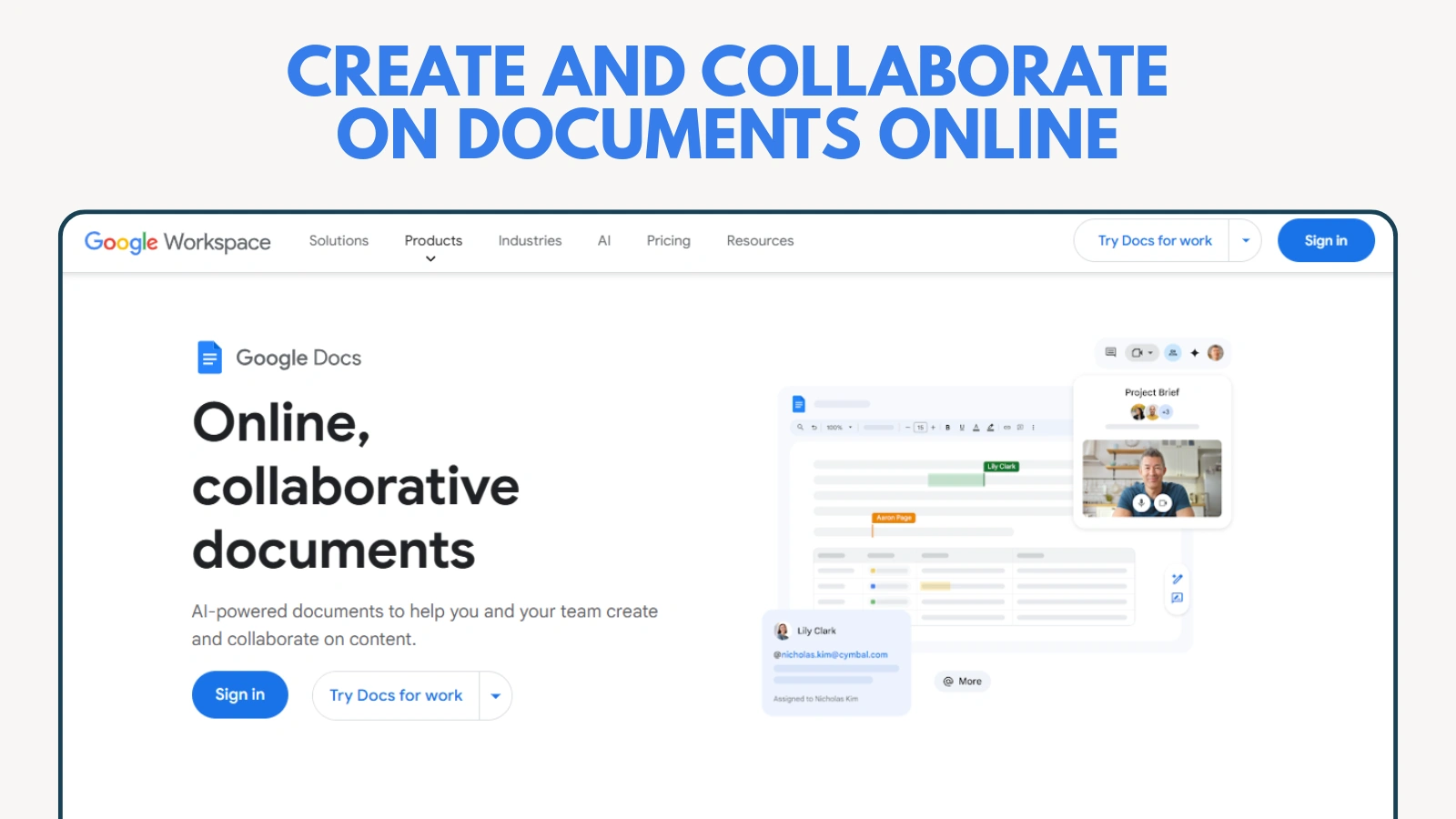
Document collaboration tools allow multiple team members to work on the same document simultaneously. These team collaboration tools make it easier to create, review, and finalize content without sending files back and forth between team members.
Tools such as Google Docs and Dropbox Paper support real-time editing, comments, and suggestions. Team members can provide feedback directly within the document, keeping discussions clear and organized.
By using document collaboration software, teams can speed up approvals, reduce errors, and ensure that everyone is working on the most current version of a document.
Dedicated Work Management Tools

Dedicated work management tools provide a complete solution for managing tasks, projects, and team goals in one place. These platforms go beyond basic task tracking and serve as advanced team collaboration tools for growing the teams.
Tools such as ClickUp and Wrike combine task management, documentation, goal-setting, and reporting features. They provide teams with clear visibility into their workloads, timelines, and performance.
By using dedicated work management collaboration software, teams can streamline workflows, improve coordination, and manage complex projects more effectively across departments.
Bones: Workplace Monitoring & Productivity Support Tools
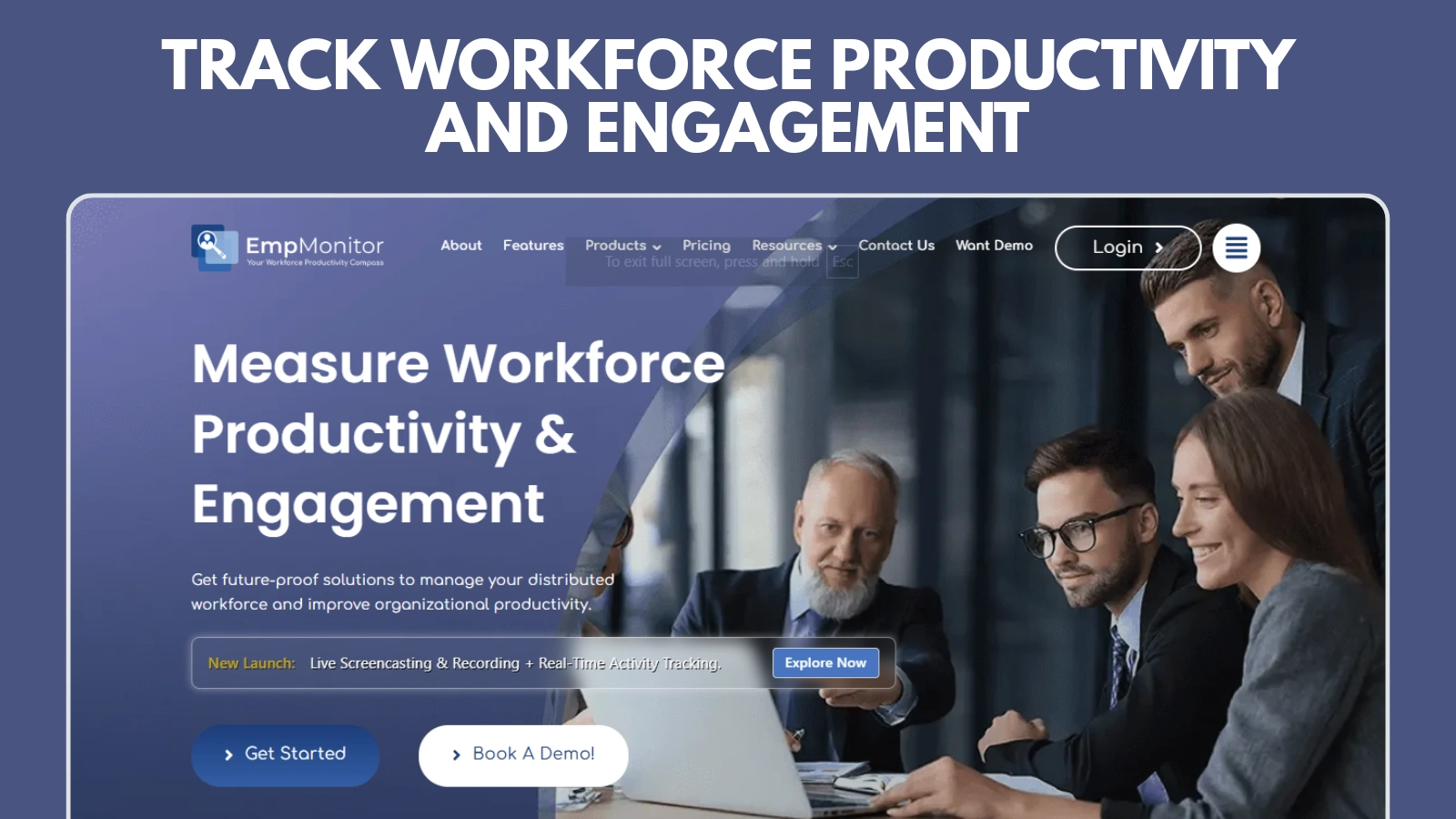
Workplace monitoring tools help teams improve accountability and productivity by providing clear visibility into how work is performed. These tools support collaboration by helping managers understand workflows, identify bottlenecks, and ensure that teams remain aligned with their goals.
EmpMonitor, created by Globussoft, is a team collaboration and productivity tracking software designed to help businesses monitor performance and improve team coordination.
Key Features (Brief Explanation)
- Time Tracking: Monitors work hours to understand how time is spent on tasks and projects.
- Productivity Insights: Provides reports on active work, helping teams identify efficiency gaps.
- Performance Visibility: Helps managers track progress without constant check-ins.
- Accountability Support: Encourages transparency and responsible work habits among teams.’
- And much more…
By using productivity tools such as EmpMonitor, teams can strengthen collaboration, improve focus, and maintain better control over their performance without disrupting daily workflows.
Also Read!
Competitive Ad Intelligence: Stay Ahead in Digital Marketing
How To Get Better Ads with Competitor Report & Ad Strategies?
Common Pitfalls to Avoid When Choosing a Collaboration Tool
Choosing the right team collaboration tool requires more than just comparing features. Many teams face challenges because of the common mistakes made during selection and implementation.
One common issue is the use of too many disconnected tools. When teams rely on multiple platforms that do not integrate well, communication becomes fragmented, and information is harder to track.
Another mistake is focusing only on features and ignoring the ease of use. Even powerful collaboration software can fail if it is too complex for teams to use. The tools should be simple, intuitive, and fit naturally into daily workflows.
Teams often overlook their task management needs. Choosing collaboration tools without strong task tracking can lead to poor visibility and missed deadlines. Balancing communication features with task management tools is important.
Finally, not involving team members in the decision-making process can reduce adoption. Collaboration tools work best when they match the actual work of teams. Early feedback helps ensure long-term success.
Conclusion
Effective communication is essential for team success, and the right team collaboration tools make it possible. By integrating communication, task management, file sharing, and documentation into one place, collaboration software helps teams work more efficiently and stay aligned.
Each type of collaboration tool serves a specific purpose, from instant messaging and video conferencing to project management and knowledge-sharing. Choosing the right combination depends on the team size, workflow, and communication needs.
When selected and used properly, collaboration tools improve transparency, reduce delays, and support better teamwork. Investing in the right collaboration software can lead to stronger collaboration, higher productivity, and better organizational outcomes.
Frequently Asked Questions (FAQs)
How do team collaboration tools support cross-departmental collaboration?
Team collaboration tools help different departments work together by providing shared workspaces, centralized communication, and clear visibility into tasks and projects. This reduces silos and improves coordination between teams, such as Content marketing, sales, HR, and operations.
Can team collaboration tools scale as a business grows?
Most collaboration software is designed to scale with business growth. Teams can add more users, integrate additional tools, and upgrade features as their communication and task-management needs increase.
Are team collaboration tools suitable for small businesses and startups?
Team collaboration tools are well-suited for small businesses and startups because they help organize work early, reduce miscommunication, and improve productivity without requiring complex systems or large IT resources.
How do collaboration tools reduce the dependency on emails?
Collaboration tools centralize conversations, files, and updates in a shared space. This reduces the need for long email threads and makes it easier for team members to find information quickly without searching through their inboxes.
Quick Search Our Blogs
Type in keywords and get instant access to related blog posts.


 +91 8767115115